Managing multiple client projects with different deadlines is the biggest challenge for freelance consultants. Without a structured system, it’s easy to miss critical deadlines, maintain poor communication with clients, or even overbooking your capacity. Therefore, a client project calendar template becomes an essential solution to organize all projects, tasks, and milestones in one centralized view that’s easy to monitor.
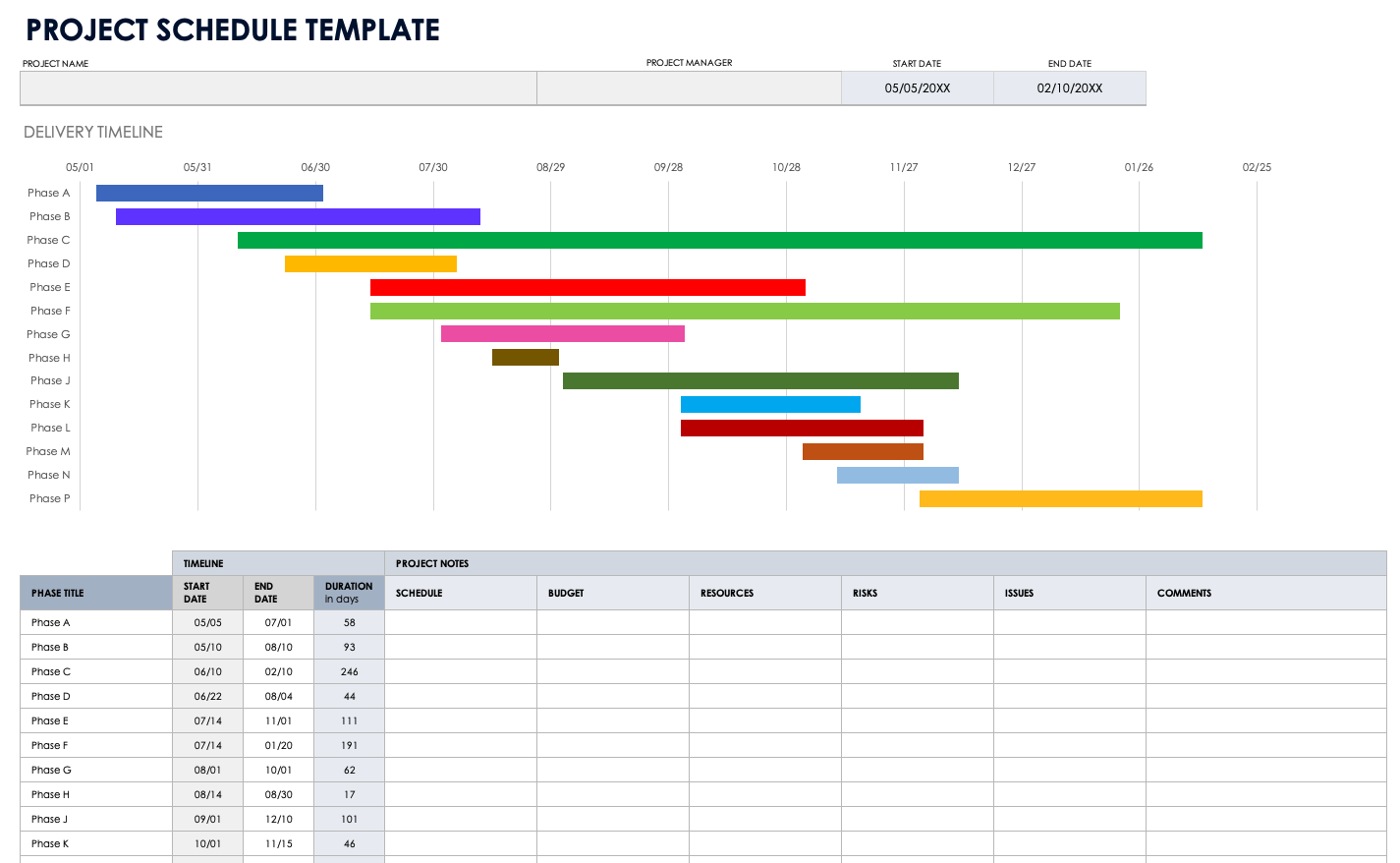
Challenges Freelance Consultants Face When Managing Multiple Deadlines
When working as a freelance consultant, you typically face several problems simultaneously. First, juggling multiple clients with different expectations requires special attention to every project detail. Second, overlapping deadlines can cause stress and reduced work quality. Third, unstructured communication with clients often leads to misunderstandings about timelines and deliverables.
Without a good tracking system, you might:
- Miss critical deadlines, resulting in contract penalties or reputation damage
- Double-book your time because you’re unaware of overlaps between tasks from different clients
- Provide inconsistent updates to clients because project data is scattered across emails, chats, or unorganized notes
- Feel overwhelmed because you’re unclear about maximum capacity in any given period
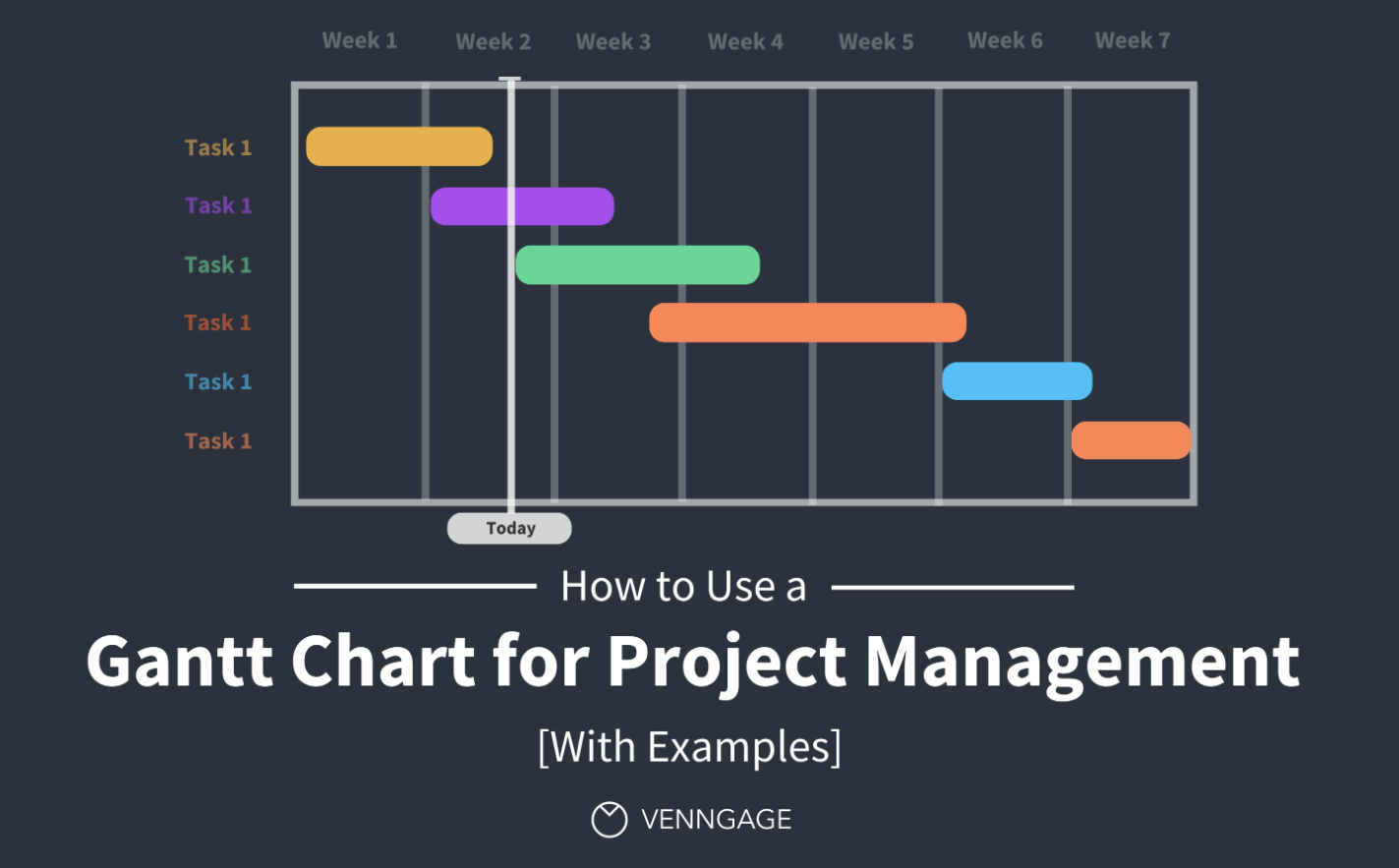
What is a Client Project Calendar and Why It Matters
A client project calendar is an integrated system that records all projects, subtasks, milestones, and deadlines in a visual format that’s easy to understand. This calendar becomes a single source of truth for all project information, allowing you to quickly answer client questions about work status and when deliverables will be ready.
The importance of a client project calendar for freelance consultants includes:
- Workload visualization: Seeing your daily or weekly workload helps you plan when to accept new projects or when you need to focus on existing ones.
- Avoiding deadline clashes: All deadlines are recorded neatly, significantly reducing the risk of overlapping tasks.
- Professional communication: A structured template makes you appear organized and professional in your clients’ eyes.
- Work efficiency: With all information in one place, you save time searching for data and can focus on productive work.
- Expectation management: Clients become more confident in your ability to deliver on time when they see a structured system.
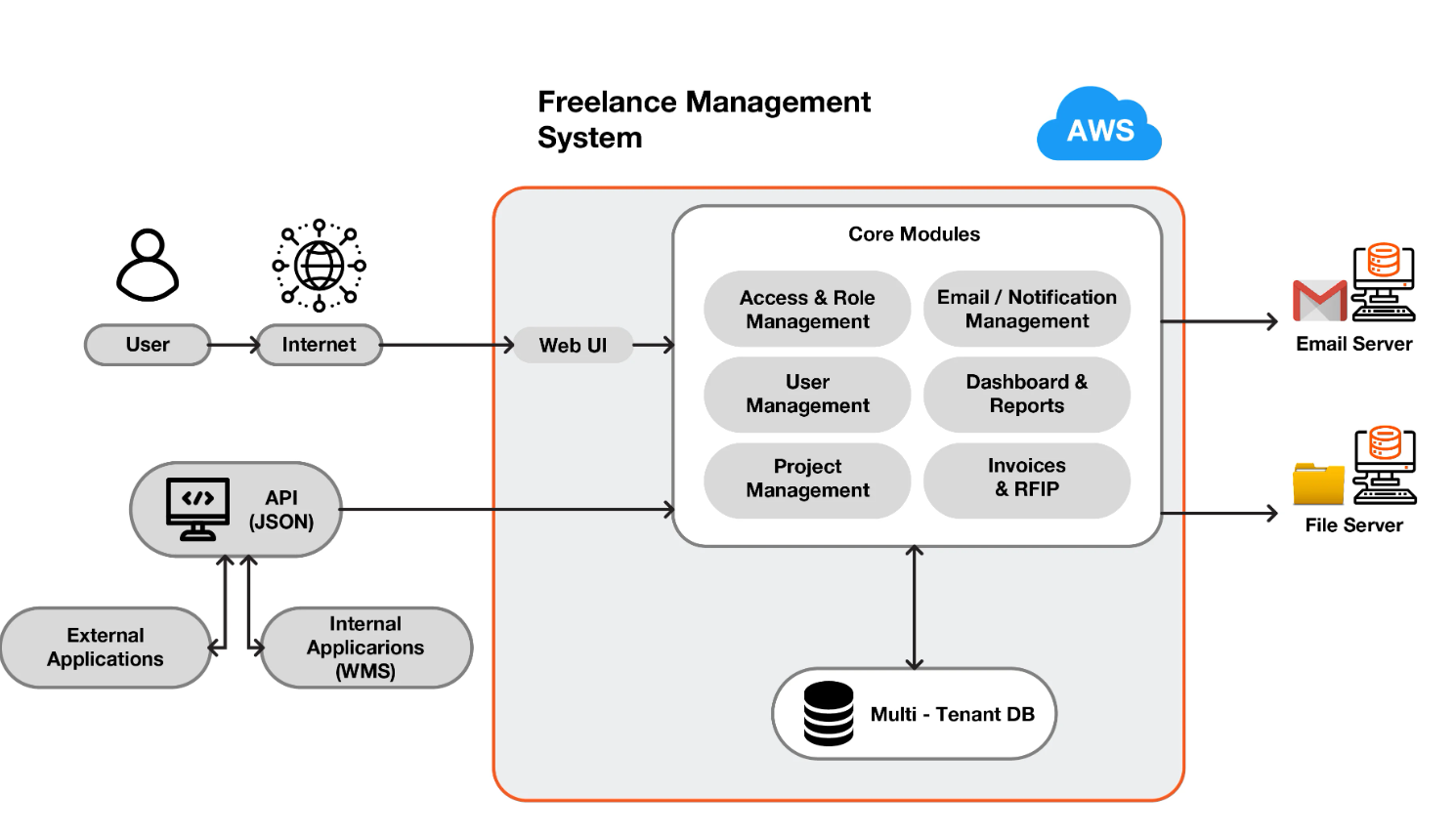
Essential Components in a Client Project Calendar Template
Before creating or adopting a calendar template, ensure these important elements are covered:
1. Project and Client Identity
Every calendar entry must have basic information: client name, project name, and brief project description. This helps you quickly identify what project you’re working on and for which client, especially when managing dozens of projects simultaneously.
2. Task Breakdown and Subtasks
Large projects need to be broken down into smaller tasks with task name, task owner (who’s doing the work), and estimated duration. Each subtask should have a status (Planned, In Progress, On Hold, Completed) so progress is clearly visible.
3. Timeline and Milestones
Record start date, end date, and milestone dates for each task. Milestones are important checkpoints in your project (for example: draft submission, revision complete, final approval). With clear milestones, clients know when to expect updates or deliverables.
4. Priority and Dependencies
Mark priority level for each task (High, Medium, Low) and note any task dependencies (which tasks must be completed before the next task can start). This is important to avoid workflow bottlenecks.
5. Notes and Communication
Provide a field for notes or comments that record client revision requests, requirement changes, or meeting notes. This field is also useful for noting blockers or risks that might affect your timeline.
How to Create a Client Project Calendar Template
There are several methods to create a client project calendar template based on your preferences and needs:
Method 1: Spreadsheet (Excel or Google Sheets)
The simplest and most flexible approach is using a spreadsheet. Create several tabs:
- Master Database: One tab that records all projects and tasks with columns: Client, Project, Task, Start Date, End Date, Owner, Priority, Status, Notes.
- Calendar View: A second tab displaying tasks per day or week using conditional formatting for color-coding based on priority or client.
- Client Summary: A third tab summarizing each client’s timeline with key deliverable deadlines.
Advantages: easy to create, no subscription needed, can be shared directly with clients. Disadvantages: not scalable for very large projects, and real-time collaboration is limited.
Method 2: Gantt Chart and Timeline View
For more powerful visualization, use a Gantt chart or timeline view. Tools like Smartsheet, Monday.com, or Asana provide ready-made templates that can be customized immediately. Gantt charts display tasks as horizontal bars with a timeline, making it very easy to see when each task occurs and whether there’s any overlap.
Advantages: clear timeline visualization, automatic dependency tracking, easier to spot bottlenecks. Disadvantages: requires paid subscription for advanced features.
Method 3: Calendar Application
Platforms like Google Calendar or Notion can be used to create more interactive project calendars. Every event in the calendar can be filled with project details, tasks, and reminders for important deadlines. This is very useful if you prefer a daily or weekly calendar visual.
Advantages: integrated with reminder systems, easy to access from smartphone, automatic synchronization. Disadvantages: limited project detail information, not ideal for long-term capacity planning.
Example Workflow Using Template for 3 Clients Simultaneously
Imagine you have 3 clients with projects running in parallel:
Client A (Strategy Audit): 8-week project, draft report deadline week 3, final report deadline week 8. Tasks: Research (weeks 1-2), Analysis (weeks 2-3), Report Writing (weeks 3-4), Revision & Finalization (weeks 4-8).
Client B (Marketing Consultation): 4-week project, weekly deliverables as milestones. Tasks: Brand Assessment (week 1), Strategy Development (week 2), Execution Plan (week 3), Presentation & Q&A (week 4).
Client C (Training Program): 12-week project, training starts week 6. Tasks: Curriculum Design (weeks 1-3), Material Development (weeks 3-4), Practice Sessions (week 5), Training Delivery (weeks 6-12).
With a good calendar template, you can quickly see that week 3 will be very busy (Client A draft report deadline + Client B strategy delivery), so you need to carefully plan your capacity. You also immediately know that week 5 only has one task (Client C practice sessions), so there’s potential to accept a small new project or catch up on delayed tasks.
Best Practices to Avoid Deadline Clashes and Overbooking
After creating your calendar template, follow these best practices to ensure the system works optimally:
- Buffer time: Always add 1-2 days buffer before client deadlines for revisions or contingencies. Don’t schedule tasks back-to-back without breaks.
- Capacity planning: Determine how many hours per week you can dedicate to consulting work. If already full, politely decline or offer a longer timeline.
- Weekly review: Every week, review your calendar for the next week and see if any adjustments are needed.
- Client communication: Share your calendar or timeline with clients at the start of the project so expectations are aligned from the beginning.
- Track progress: Update task status in real-time, don’t wait until project completion. This helps you spot delays earlier.
- Risk management: Identify potential risks that could delay your project (for example: waiting for client feedback) and plan contingencies.
Ready-Made Tools and Templates You Can Try
If you want to use an already-made template, here are some options:
- Notion: Client & Project Management Template provides an integrated database to track all client projects with high flexibility.
- ClickUp: Consultant Content Calendar Template is ready for freelance consultants with timeline, dependency, and collaboration features.
- Smartsheet: Project Calendar Templates are available in various formats, including Gantt charts suitable for freelancers.
- Airtable: Freelance project management base templates can be customized to fit your specific workflow.
- Google Sheets: Free templates from various freelancer communities online can be copied and used immediately.
Frequently Asked Questions About Deadline Management for Freelance Consultants
What if a client changes their deadline mid-project?
Update your calendar as soon as possible and communicate any impact to other clients if there’s overlap. Document the change in your notes field for documentation and follow-up discussion with the client who changed the deadline.
How many projects can I handle simultaneously?
It depends on project complexity and your working hours. The average freelance consultant can handle 3-5 active projects at once. Use your calendar to determine your maximum capacity based on historical data.
Should I share my calendar with clients?
Yes, it’s highly recommended. Clients feel more comfortable when they see a clear timeline. You can create a simplified version for clients that only shows milestones and deadlines without your internal task details.
How do I handle urgent requests when my calendar is full?
With a clear calendar, you immediately know whether you have capacity or not. If you don’t, offer a realistic timeline or politely decline. This is more professional than accepting everything and delivering late.
Conclusion
A client project calendar template is not just an administrative tool, but an essential business strategy for freelance consultants who want to scale their business without compromising quality or reputation. By creating or adopting the right template, you can manage multiple deadlines with confidence, improve client satisfaction, and ultimately focus on work that truly matters—delivering exceptional consulting services.
Start today by choosing the method that works best for you (spreadsheet, Gantt chart, or calendar app), populate it with your existing projects, and see the difference in your productivity and peace of mind.
FREQUENTLY ASKED QUESTIONS ABOUT CLIENT PROJECT CALENDAR TEMPLATE
What is the best tool to create a client project calendar template for freelance consultants?
The best tool depends on your specific needs and preferences. For simplicity and cost-effectiveness, Google Sheets or Excel works well for small-scale operations. For more advanced features like Gantt charts and dependency tracking, consider tools like Asana, Monday.com, or Smartsheet. If you prefer a more flexible and integrated approach, Notion or Airtable offer excellent customization options. Start with what you’re comfortable with and upgrade as your business grows.
How often should I update my project calendar?
It’s best to update your calendar in real-time as changes occur. At minimum, update task status daily and review the entire calendar weekly. This ensures your calendar remains accurate and reliable for planning and communication. Regular updates also help you catch potential delays early before they become critical issues, giving you time to adjust timelines or notify clients proactively.
Should I share my complete project calendar with clients?
Not necessarily. While transparency is important, you don’t need to share every detail of your internal workflow. Create a simplified version for clients that shows only key milestones, deliverable deadlines, and important checkpoints. This maintains professionalism while keeping clients informed about project progress without overwhelming them with granular task details. You can always provide more detailed views during status meetings or when specifically requested.
How do I handle multiple overlapping deadlines when my calendar is full?
When your calendar shows you’re at capacity, you have three options: (1) Politely decline the new project or request, (2) Offer a longer timeline that doesn’t compromise quality or existing commitments, or (3) Negotiate with existing clients to extend some deadlines if possible. Never accept work you can’t deliver on time. A clear calendar helps you make these decisions quickly and professionally, protecting both your reputation and client relationships.
What should I do if a client changes the project scope or deadline mid-project?
Document the change immediately in your calendar and notes section, then communicate the impact to all affected parties. Update your timeline accordingly and check if this change affects other client projects. Meet with the client to discuss any adjustments in deliverables, timeline, or additional costs. Use your calendar to show them visually how the change impacts your overall schedule, making the discussion more objective and professional. Always get written confirmation of scope or deadline changes to avoid misunderstandings.
