Planning a wedding across continents requires seamless coordination between couples, families, vendors, and guests scattered across different time zones. The right shared calendar app becomes essential for managing virtual consultations, tracking vendor deadlines, confirming guest accommodations, and aligning on crucial details without constant communication confusion. This comprehensive guide explores the best calendar solutions specifically designed for international wedding planning, helping you select the perfect tool to keep your destination wedding organized and stress-free.
Why Shared Calendar Apps Are Critical for International Weddings
Long-distance weddings introduce unique scheduling challenges: venue consultations in one time zone, guest RSVPs from multiple countries, vendor meetings across continents, and family coordination across oceans. A dedicated shared calendar app eliminates the confusion of email threads, WhatsApp miscommunications, and missed deadlines. These platforms provide real-time updates, automatic time zone conversions, color-coded event categories, and instant notifications—ensuring every wedding participant stays aligned regardless of their location.
- Automatic time zone conversion prevents scheduling conflicts and missed meetings
- Real-time collaboration allows multiple people to edit and view events simultaneously
- Mobile accessibility keeps planning updates accessible from anywhere globally
- Centralized platform reduces reliance on scattered emails, messages, and calls
- Integration with other wedding planning tools streamlines workflows and data management
Top Shared Calendar Apps for Long-Distance Wedding Coordination
1. Google Calendar: The Free, Flexible Foundation
Google Calendar remains the most accessible and reliable option for international wedding teams. Its simplicity, cross-platform compatibility, and robust time zone management make it ideal for couples coordinating across continents without requiring specialized wedding software.
- Time Zone Support: Automatically detects and converts times based on each user’s location; participants see events in their local time without manual adjustment
- Easy Sharing: Invite unlimited participants by email, set granular permissions (view-only, edit, or manage), and create separate calendars for different wedding elements (Ceremony, Reception, Vendor Meetings, Guest Accommodations)
- Color Coding & Organization: Use different colors for categories like “Bride’s Tasks,” “Groom’s Tasks,” “Vendor Meetings,” and “Family Events” for quick visual scanning
- Integration: Syncs seamlessly with Gmail, Google Meet, Google Docs for sharing contracts or timelines, and works across iOS, Android, web, and desktop
- Cost: Completely free for unlimited calendars and users
Best For: Budget-conscious couples who want a reliable, familiar platform. Ideal for managing core wedding timelines and vendor schedules without learning new software.
2. TimeTree: Collaboration-Focused Calendar for Groups
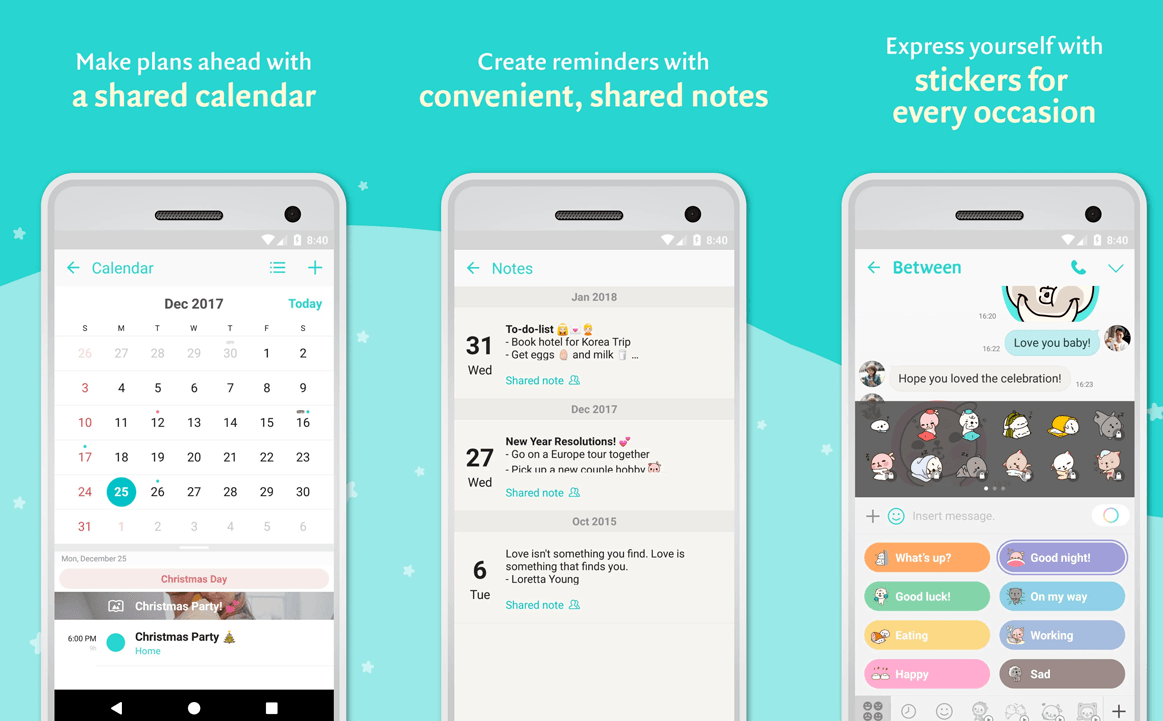
TimeTree specializes in group scheduling and event collaboration, making it particularly effective for wedding planning across distributed teams. The in-app commenting feature encourages real-time decision-making without switching between apps.
- Multiple Shared Calendars: Create separate calendars for ceremony planning, reception details, pre-wedding events, family schedules, and vendor coordination
- In-App Commenting: Discuss event details directly within the app, reducing email clutter and keeping decisions documented in one place
- Notification Customization: Set reminders before deadlines for deposit payments, final headcounts, or dress fittings
- Cross-Platform Sync: Works on iOS, Android, and web with consistent real-time updates across all devices
- Time Zone Flexibility: View and add events in different time zones; attendees see their local time automatically
- Cost: Free with basic features; premium options unlock additional customization
Best For: Wedding parties wanting active collaboration. Excellent for couples, bridesmaids, groomsmen, and family members coordinating dress fittings, bachelor/bachelorette parties, and rehearsal logistics.
3. Cupla: Couple-Centric Planning with Shared To-Dos
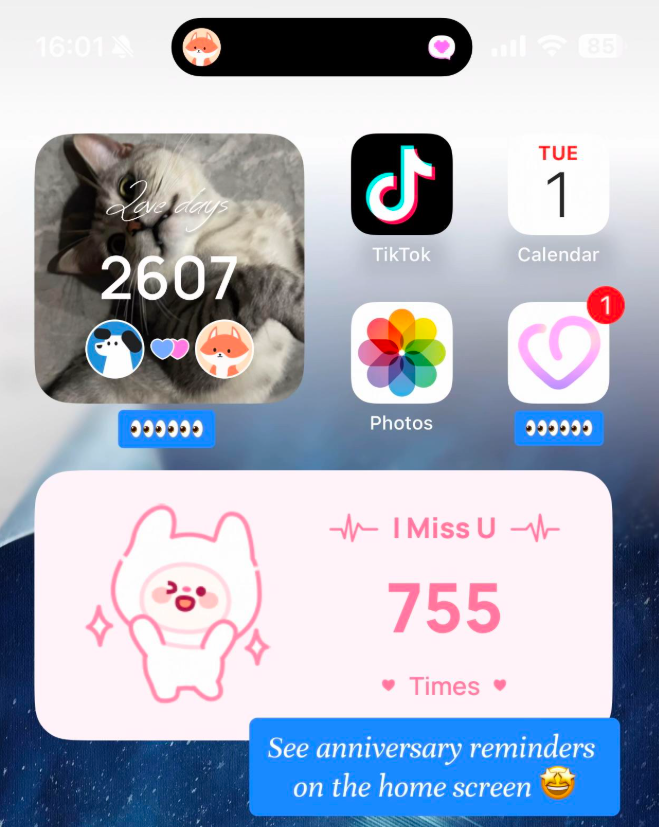
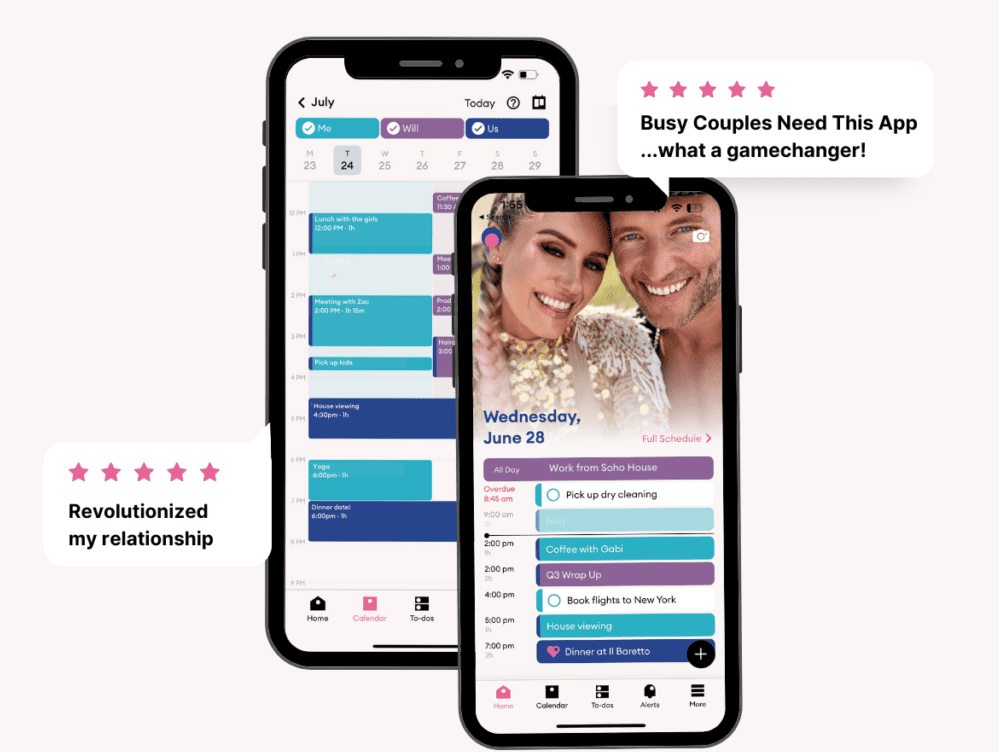
Cupla was designed specifically for couples managing shared responsibilities, combining a calendar with to-do lists and private messaging to consolidate all wedding planning in one app.
- Couple Calendar Sync: Automatically syncs both partners’ existing calendars (Google, Outlook) and displays shared events prominently
- Shared To-Do Lists: Assign wedding tasks to either partner with due dates, reminders, and completion tracking
- Private Chat: Built-in messaging for quick coordination without leaving the app
- Event Details & Notes: Attach notes, files, and links to calendar events for comprehensive planning documentation
- Mobile-First Design: Optimized for smartphone use, ensuring both partners can stay updated while on-the-go between vendor meetings
- Cost: Free version with essential features; Premium subscription removes ads and unlocks advanced customization
Best For: Couples as primary planners who want to coordinate closely together. Particularly effective for long-distance couples managing time zone differences and ensuring equal responsibility distribution.
4. Cozi: Family-Oriented Coordination for Multi-Generational Weddings
Cozi excels at managing family schedules, making it ideal for weddings involving multiple family members across different locations, including parents, grandparents, and extended relatives.
- Color-Coded Family Calendars: Each family member gets their own color, making it easy to see who’s attending what wedding event
- Shared To-Do Lists & Shopping Lists: Organize pre-wedding tasks (decorations, favors, attire) and coordinate shared purchases
- Family Memos: Post important wedding information, venue details, or timeline updates visible to all users
- Multi-Device Sync: Works across iPhone, iPad, Android, and web browsers with instant updates
- Time Zone Support: Each user sees events in their local time, reducing confusion for family members in distant locations
- Cost: Free with ads; paid plan removes advertising and adds premium features
Best For: Weddings involving large families across multiple continents. Excellent for managing guest accommodations, coordinating family dinners, and ensuring relatives feel included in planning.
5. Outlook Calendar: Enterprise-Grade Reliability for Complex Coordination
Microsoft Outlook Calendar offers robust scheduling features for couples and wedding parties already embedded in the Microsoft ecosystem, providing advanced collaboration through Microsoft 365 integration.
- Time Zone Intelligence: Automatically adjusts meeting times based on participant locations; shows attendees’ availability in their respective time zones
- Calendar Sharing Permissions: Set detailed access levels for different wedding team members
- Meeting Room Booking: If coordination with venue representatives is needed, rooms can be booked and managed through the calendar
- Integration: Connects with Microsoft Teams for video calls with vendors, Outlook email for scheduling confirmations, and OneDrive for sharing contracts and timelines
- Mobile App: Fully featured on iOS and Android for mobile coordination
- Cost: Free basic calendar; Microsoft 365 subscription ($6–$20/month) unlocks advanced sharing and integration features
Best For: Corporate couples or those comfortable with Microsoft tools. Ideal for managing vendor contracts and integrating wedding planning with existing professional workflows.
6. Apple Calendar: Seamless Ecosystem for iPhone Users
Apple Calendar (iCloud) provides a native solution for couples and wedding parties primarily using Apple devices, with automatic time zone conversion and iCloud family sharing options.
- iCloud Family Sharing: Add up to five family members to share wedding calendars with automatic syncing across all Apple devices
- Time Zone Display: View the current time in multiple locations, essential for scheduling international vendor calls
- Calendar Invitations: Send beautifully formatted calendar invites to both Apple and non-Apple users
- Seamless Integration: Works flawlessly with Siri voice commands, reminders, notes, and other Apple apps
- Privacy: End-to-end encryption for shared calendars ensures wedding details remain confidential
- Cost: Free with Apple ID (iCloud storage may require paid plan for large files)
Best For: Apple-exclusive or predominantly Apple couples. Perfect for those wanting a private, secure solution with minimal setup.
How to Choose the Best Shared Calendar App for Your Long-Distance Wedding
1. Assess Your Wedding Team Size
Small intimate weddings (just the couple and parents) may benefit from couple-centric apps like Cupla. Larger weddings involving bridesmaids, groomsmen, extended family, and vendors require robust platforms like Google Calendar or TimeTree that support unlimited collaborative users.
2. Consider Time Zone Complexity
Weddings spanning three or more continents demand apps with explicit time zone support and visual time zone comparisons. Google Calendar, TimeTree, Outlook, and Apple Calendar all handle automatic conversions, but some offer more visual displays of multiple time zones simultaneously.
3. Evaluate Integration Needs
If your wedding team uses dedicated wedding planning apps (Zola, The Knot, WeddingWire), check whether the calendar app integrates or syncs with those platforms. Many standalone calendars work better as supplementary coordination tools rather than replacing specialized wedding software entirely.
4. Budget Constraints
Free options like Google Calendar, TimeTree, Cozi, and Apple Calendar serve most long-distance wedding needs effectively. Premium features are rarely necessary for calendar coordination specifically; couples often find free versions sufficient and use paid wedding planning apps for registry, timeline, and vendor management.
5. Technical Comfort & Accessibility
Choose an app your entire wedding team (including less tech-savvy relatives) can navigate easily. Google Calendar’s universal accessibility trumps specialized platforms if multiple generations are involved. TimeTree and Cupla offer intuitive mobile interfaces ideal for on-the-go coordination.
Best Practices for Long-Distance Wedding Calendar Management
- Create Separate Calendars by Category: Maintain distinct calendars for Ceremony Details, Reception Planning, Vendor Meetings, Family Coordination, and Guest Accommodations to prevent information overload
- Establish Color Coding Standards: Agree on colors representing event types (red for deadlines, green for completed tasks, blue for couple-only planning) so team members quickly understand priorities
- Set Timezone as the Default Reference: Designate the wedding venue’s time zone as the primary reference for all planning communications to avoid confusion
- Schedule Regular Planning Meetings: Use the calendar to block recurring video calls (weekly or bi-weekly) for major decision-making involving partners across time zones
- Include Vendor Time Blocks: Add all vendor consultations, fittings, tastings, and site visits to the shared calendar with location and time zone clearly marked
- Document Everything in Event Notes: Use calendar event descriptions to store decisions, contact information, and reference details rather than relying on separate documents
- Set Reminder Timings Thoughtfully: Schedule reminders at least 48 hours before deadlines, allowing time for international coordination before payment or confirmation deadlines
Common Challenges in Long-Distance Wedding Calendars (and Solutions)
Time Zone Miscommunication
Challenge: Despite automatic conversions, family members sometimes miss the time zone indicator and show up late to virtual meetings.
Solution: Always write times in multiple formats in event titles (e.g., “Venue Tour: 3 PM EST / 9 PM CET / 5 AM JST”) and send confirmation reminders 24 hours before meetings with local times for each participant.
Over-Scheduling and Decision Fatigue
Challenge: Too many calendar invites and meeting blocks lead to coordination fatigue, especially across time zones requiring off-hours participation.
Solution: Batch decisions into strategic meetings rather than numerous individual consultations. Use asynchronous updates (calendar event notes, shared documents) for information that doesn’t require live discussion.
Vendor Availability Across Time Zones
Challenge: Finding meeting times convenient for all parties (couple in Europe, photographer in USA, florist in Asia) becomes logistically complex.
Solution: Use world clock apps or Calendly-style meeting schedulers (separate from your main calendar) to identify overlap windows. Schedule important vendor calls during these optimal times or record meetings for asynchronous review.
Conclusion: Streamline Your Long-Distance Wedding Planning
Coordinating a destination wedding across continents doesn’t require expensive specialized software when simple, effective shared calendar apps handle the core coordination challenge: keeping globally distributed teams synchronized across time zones. Google Calendar offers the perfect balance of accessibility, reliability, and time zone support for most couples; TimeTree excels when active group collaboration is central; Cupla serves couple-focused planning; and Cozi manages family-wide coordination beautifully.
The key to successful long-distance wedding planning lies not just in choosing the right app, but in establishing clear calendar structures, consistent time zone practices, and regular communication rhythms. By implementing the best practices outlined above, international couples can transform the complexity of continent-spanning weddings into organized, manageable, and even enjoyable planning experiences. Select your app today and begin coordinating your global celebration with confidence and clarity.
