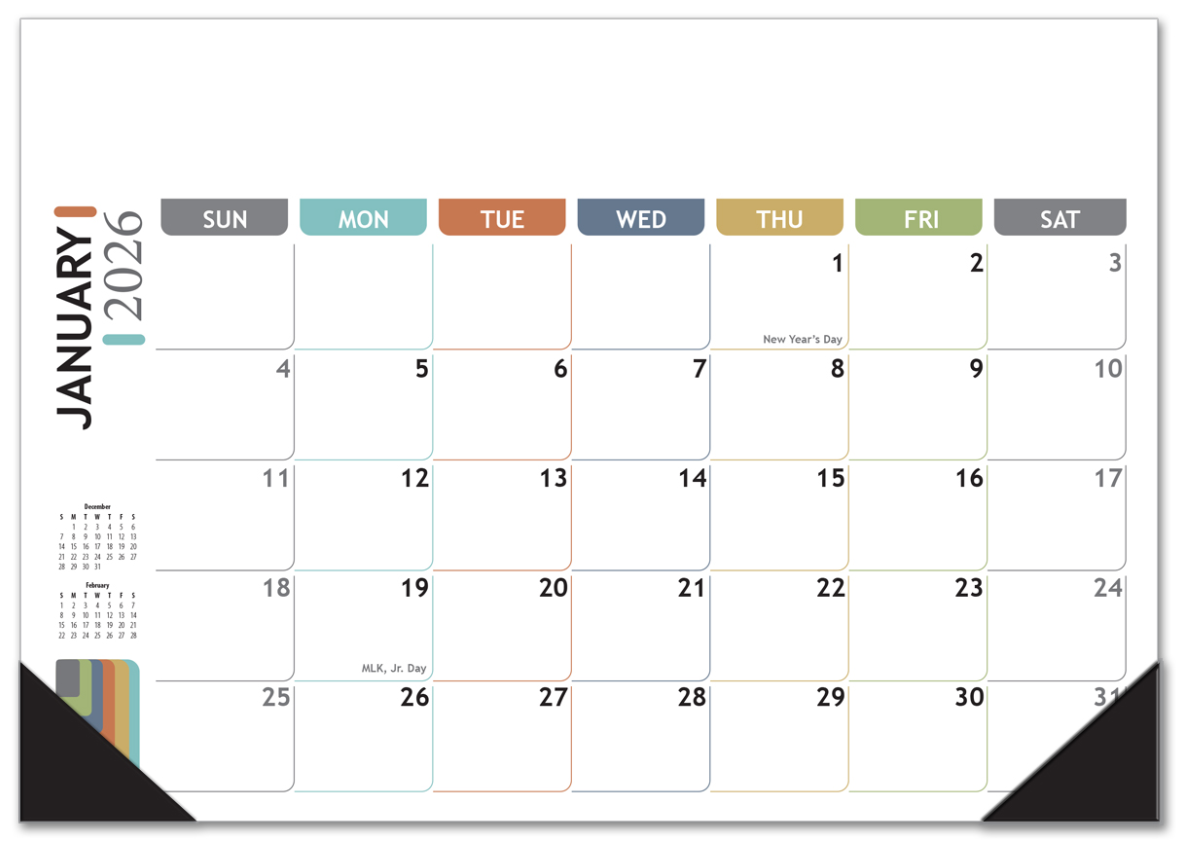
For freelance graphic designers juggling multiple client deadlines, revisions, and creative tasks, time management is the most critical non-design skill. While digital tools excel at collaboration and scheduling, nothing replaces the immediate, tactile overview provided by a high-quality desk pad calendar. It acts as the command center for your entire workload, visible under your mouse hand, reminding you instantly of looming deadlines and project conflicts.
Choosing the right desk pad is essential. It must integrate seamlessly into a creative workspace, offer sufficient structure for complex project tracking, and maintain an aesthetic appeal that complements a designer’s eye. This comprehensive guide provides detailed desk pad calendar recommendations specifically tailored for the demanding workflow of busy freelance graphic designers managing multiple projects.
The Freelance Designer’s Challenge: Why Digital Isn’t Enough
Graphic designers typically manage asynchronous projects—one project might be in the initial brief stage, another in final revisions, and a third awaiting client feedback. This dynamic flow creates unique planning needs that digital interfaces often fail to meet:
- The “Always On” View: A digital calendar requires opening a window or app. A desk pad is passively visible, constantly reinforcing deadlines without needing a click or notification.
- Physical Task Offloading: Sketching quick ideas, mapping color codes, or jotting down client calls is faster and more intuitive on paper than typing into a digital cell.
- Visual Conflict Detection: Seeing an entire month or quarter spread out allows for instantaneous visual detection of project overlaps or “deadline crunch” periods—a key feature for managing complex timelines.
The ideal desk pad calendar bridges the gap between digital scheduling and physical, creative workflow.
Key Features of an Optimal Desk Pad Calendar for Designers
A standard office desk calendar won’t suffice. Freelance designers require specific features to support their multi-project environment:
1. Layout and Size Specifications
The chosen format must maximize workspace utility while providing ample planning area:
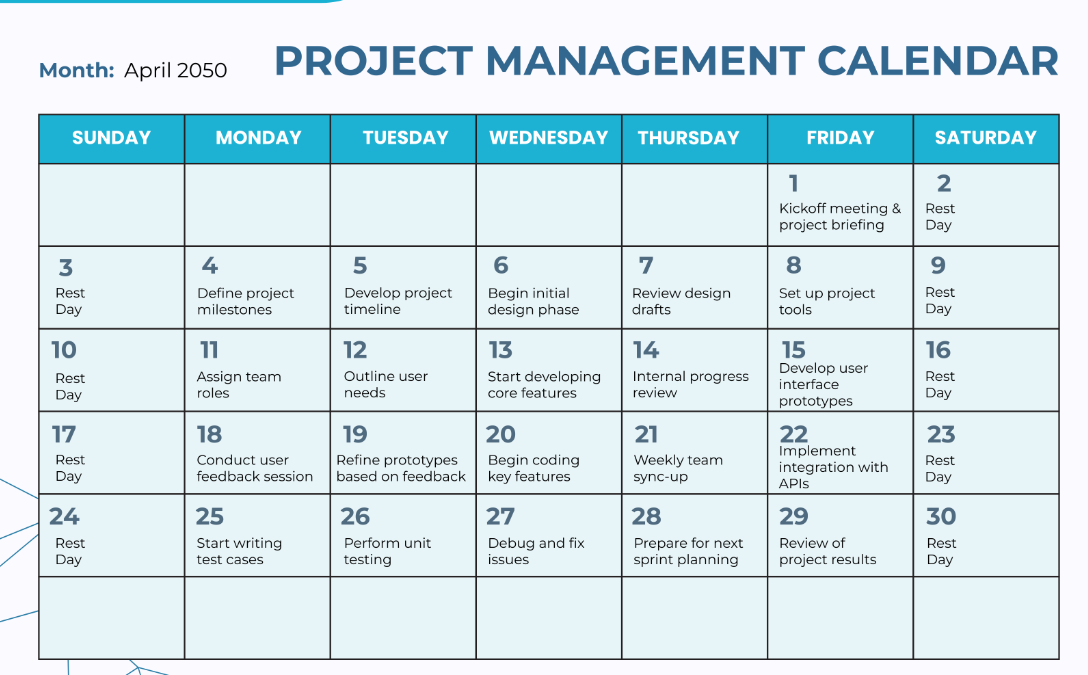
- Generous Daily Blocks: Each day must have enough space to list at least 3-5 distinct project titles and their required tasks (e.g., “Client A: Logo Draft 1,” “Client B: Final Revisions,” “Personal: Invoice”).
- Horizontal (Landscape) Orientation: Most design desks are wider than they are deep. A landscape orientation minimizes the depth taken up on the workspace while maximizing the width for visual scheduling.
- Quarterly or Monthly View: While a monthly view is standard, a desk pad with a small 3-month future reference section is invaluable for quoting new projects and scheduling large milestones.
2. Material and Build Quality
The desk pad should withstand heavy daily use by a creative professional:
- Heavy GSM Paper Stock: Paper quality is non-negotiable. Look for 80gsm to 100gsm paper to prevent ink bleed-through (ghosting) when using gel pens or markers for color-coding.
- Strong Backing Board: A rigid cardboard backing prevents curling and ensures the pad remains flat even when only a few sheets are left. This is essential if the pad doubles as a writing surface.
- Protective Corner Strips: These strips, often plastic or faux leather, keep the corners neat, preventing accidental tearing or dog-earing as the designer moves materials across the desk.
3. Designer-Specific Functionality
The best desk pad calendar recommendations include features that enhance creative workflow management:
- Dedicated Project Trackers: Look for margins or side columns dedicated to key project notes, such as client contact info, invoicing status, or mood board links.
- Space for Weekly/Monthly Goals: A dedicated area for listing the top 3 high-level targets (e.g., “Finish Beta Launch,” “Acquire New Client,” “Schedule Portfolio Update”) helps maintain focus amid daily chaos.
- Neutral/Minimalist Design: The calendar should not distract from the design work being performed. Opt for white, light gray, or black designs to serve as a clean backdrop for color-coded notes and sketching.
Top Desk Pad Calendar Recommendations (Categorized)
Based on the unique needs of freelance graphic designers, we categorize the top recommendations:
Category 1: The Minimalist & Aesthetic Choice
These pads prioritize a clean, professional look that integrates well with a stylized workspace, often favored by brand identity designers:
- Recommendation A (The Clean Slate): Features a black and white grid with ample white space. Ideal for designers who rely heavily on pen color-coding (e.g., green for creative time, red for client calls) without visual noise from the calendar itself.
- Recommendation B (The Sustainable Option): Often made with recycled, matte paper stock and a focus on simple typography. Appeals to designers specializing in sustainable or eco-friendly branding.
Category 2: The Project Management Powerhouse
These pads include enhanced structural elements essential for complex, multi-project environments, suitable for UX/UI designers or those managing large-scale deliverables:
- Recommendation C (The Tracker): Features integrated side columns specifically labeled for “Project Status,” “Invoice Due,” and “Hours Logged,” turning the calendar into a pseudo-dashboard.
- Recommendation D (The Quarterly View): A desk pad format that prints three months on one page (with the current month largest). This ensures immediate awareness of Q3 deadlines while working in Q2.
Category 3: The Hybrid Digital-Physical Planner
These calendars are often designed to integrate with digital tools, favored by designers using cloud-based project management:
- Recommendation E (The Scan & Sync): Templates that include small, dedicated QR code placeholders or optimized margins for easy capture and synchronization with apps like Evernote or GoodNotes. This allows the designer to capture their physical notes digitally instantly.
Workflow Strategy: How to Maximize Your Desk Pad Calendar
Having the best calendar is only half the battle. Implement these strategies to make your desk pad a true productivity enhancer:
- The Triple-Layer System: Use three distinct colors for immediate visual hierarchy: Black/Gray for fixed appointments (meetings, deadlines), Red/Orange for urgent client revisions (needs action today), and Blue/Green for dedicated focus time (design, coding, deep work).
- Initial Data Dump (The Sunday Ritual): Every Sunday evening, transfer all known deadlines, meetings, and major milestones from your digital system (Trello, Asana, Google Calendar) onto your desk pad. This primes your mind for the week ahead.
- The “Today” Marker: Use a bright, contrasting magnetic clip or a physical object (like a small design trinket) to visibly mark the current day. This provides a quick visual anchor, especially important when the desk pad is crowded.
- Invoicing Integration: Dedicate the unused space or the column area to tracking invoice numbers and payment due dates, ensuring the financial health of the freelance business is never overlooked.
Conclusion: Designing a Productive Workflow
For the busy freelance graphic designer, the desk pad calendar is far more than a simple scheduler—it is an indispensable tool that facilitates mental clarity and efficiency in a multi-project environment. By choosing a calendar with the right blend of aesthetic appeal, high-quality material, and practical functionality (such as tracking columns and heavy paper), you ensure that your most critical resource—your time—is managed with the same precision and detail you bring to your design work.
Invest in one of these desk pad calendar recommendations today and start converting your complex workload into a visually clear, manageable path to project success.
Optimize Your Desk: Find the Perfect Project Management Calendar Today!
